MENU
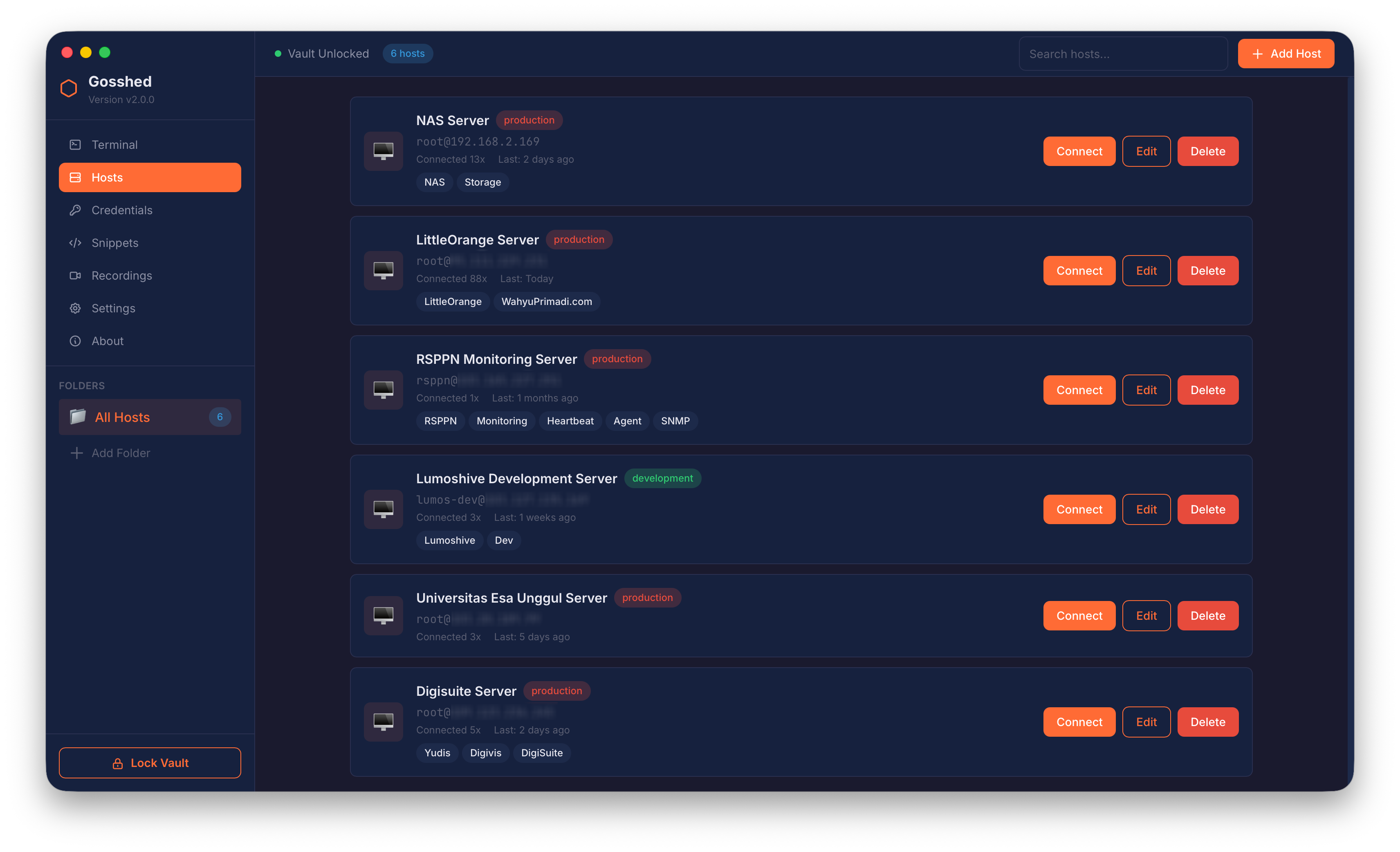
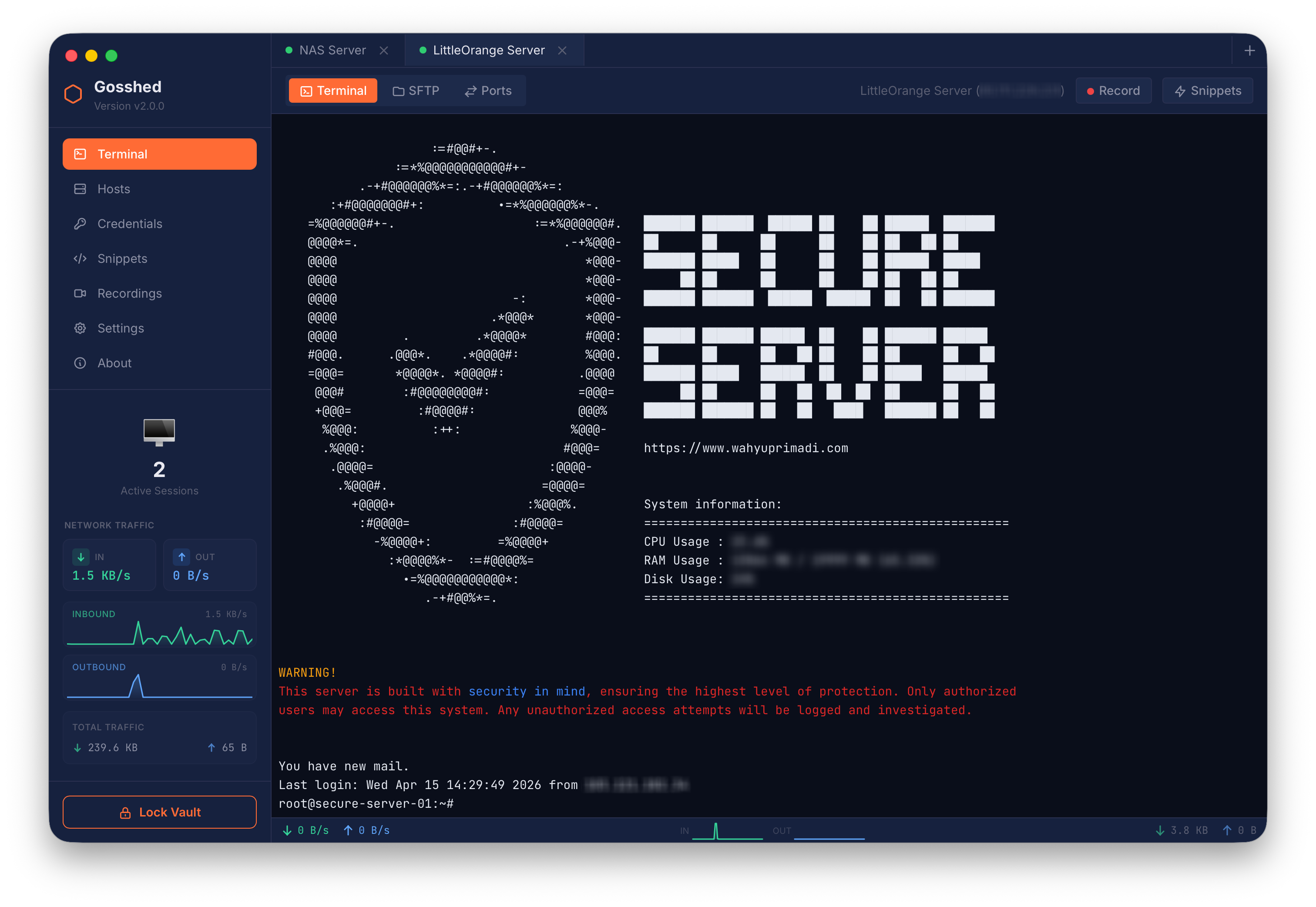
Gosshed Preview

GOSSHED

Your Fortress for SSH Connections. Secure. Private. Uncompromising.

Gosshed is a powerful, security-first SSH client built with enterprise-grade encryption and privacy-by-design architecture. Unlike cloud-dependent alternatives, Gosshed keeps your credentials local, encrypted with military-grade cryptography (Argon2id + AES-256-GCM).
Download Gosshed
AES-256 GCM Encryption
Argon2id Key Derivation
Zero Cloud Dependency
DoD Secure Wipe

Core Features

Security & Vault

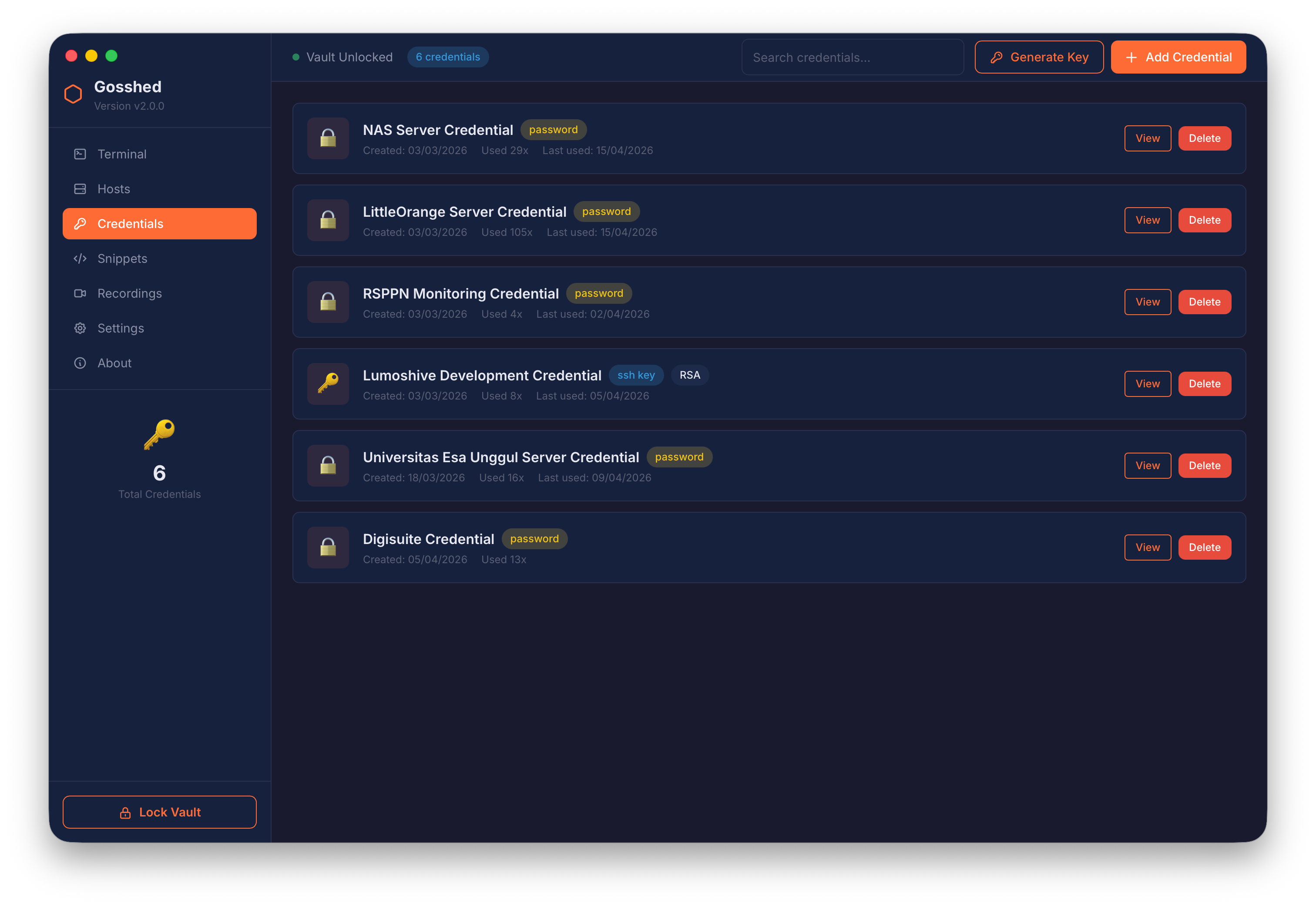
Enterprise-grade encryption with AES-256-GCM and Argon2id. Zero-knowledge local storage, secure memory handling (mlock), and DoD 5220.22-M compliant secure wipe functionality.

SSH Connections

Full OpenSSH compatibility with multi-session tabs, jump host support, MITM attack prevention through host key verification, and automatic keep-alive.

Advanced Terminal

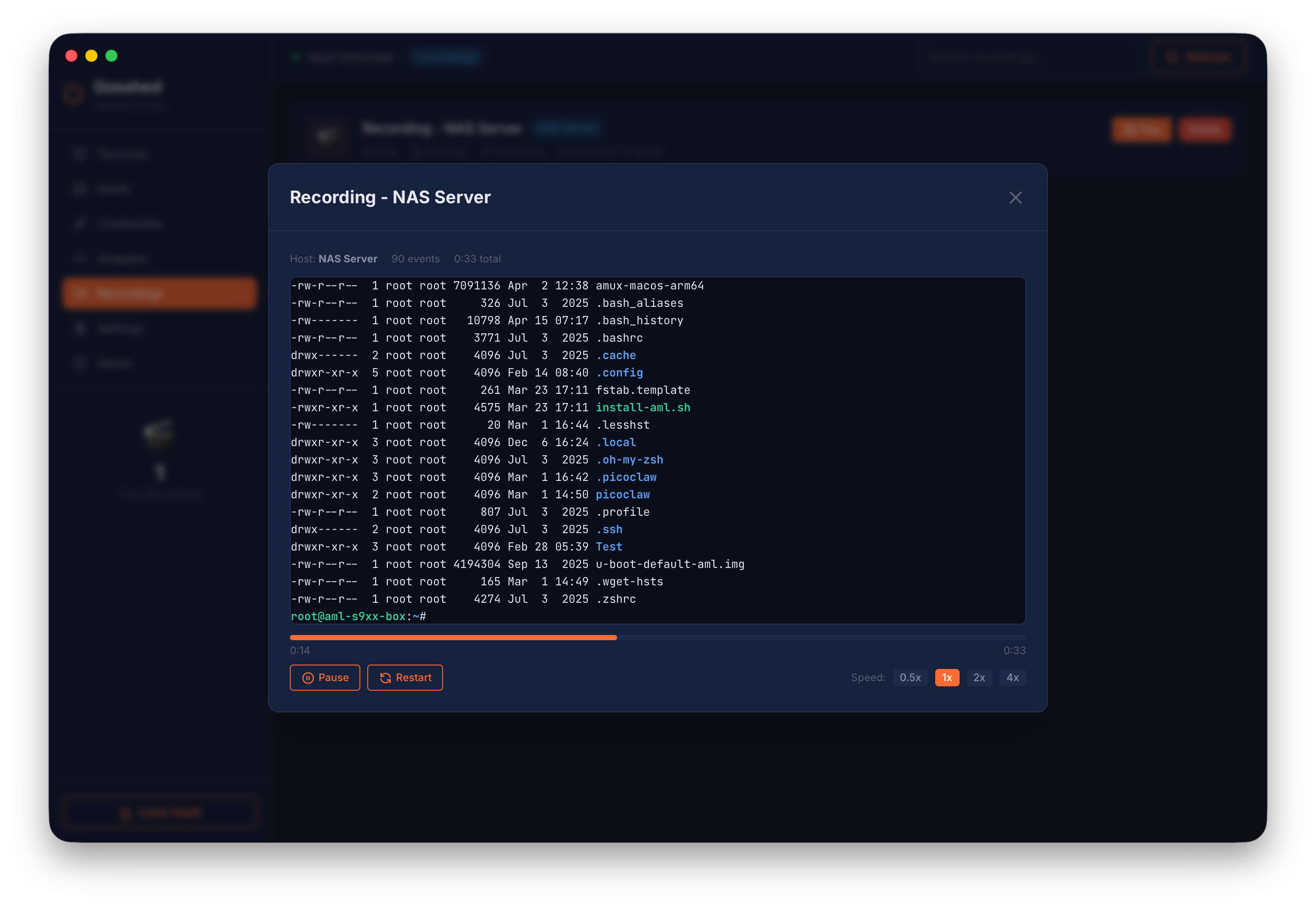
xterm-256color emulation, session recording & playback, resizable interactive shell, and direct command execution on remote hosts.

SFTP File Manager

Dual-panel browser for local and remote files with support for upload, download, permission management (chmod), and breadcrumb navigation.

Port Forwarding

Support for Local (-L), Remote (-R), and Dynamic (-D) SOCKS5 forwarding with a dedicated UI to manage active tunnels.

Capabilities

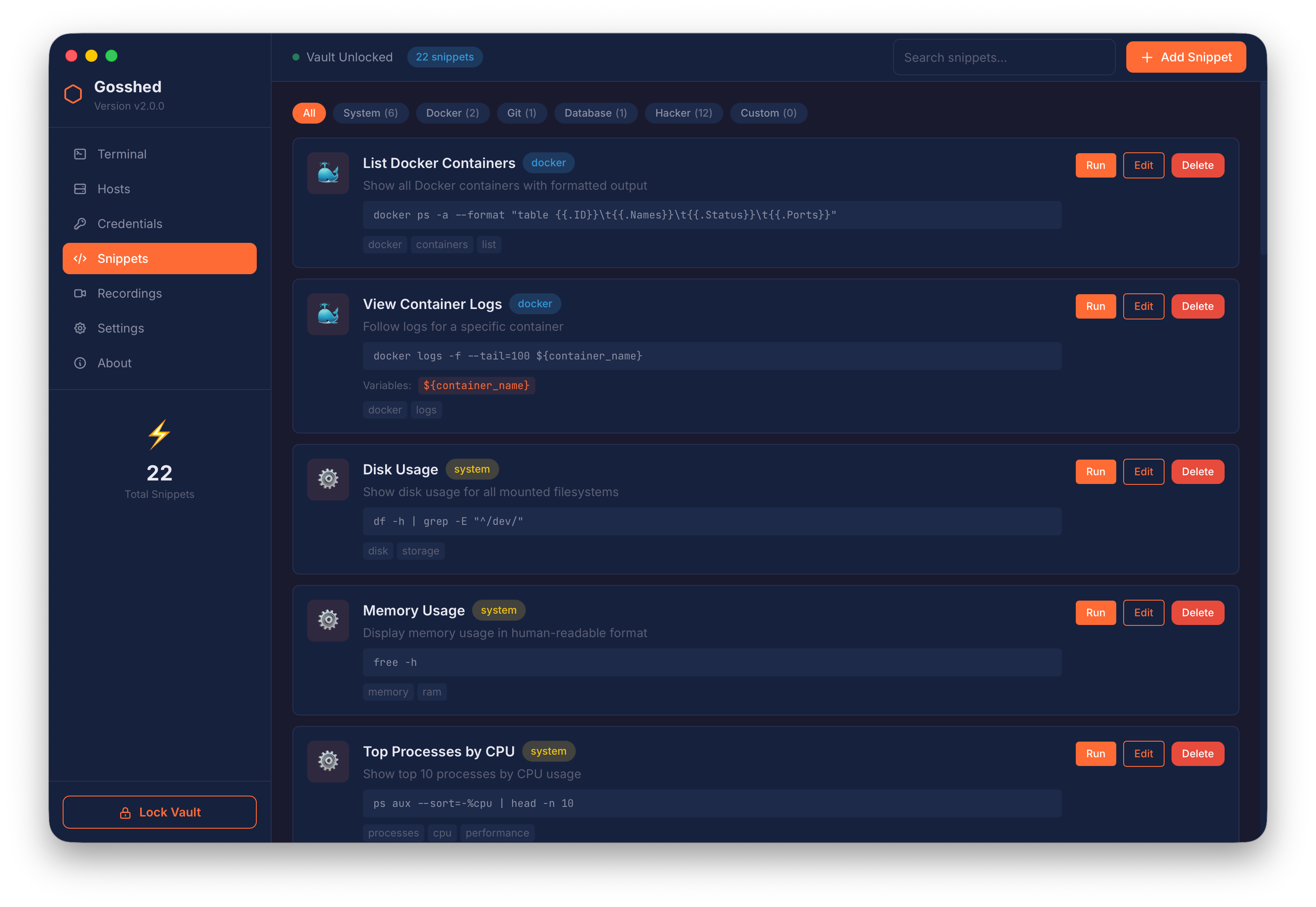
Snippet Library with Variable Support
Host Organization (Folders, Tags, Env)
Credential Encrypted Store
In-app SSH Key Generation (ED25519/RSA)
SSH Config Import
Premium Dark Mode UI
Local-First Architecture (No Cloud)
No Telemetry / No Tracking

Security Architecture

Enterprise-grade, layered security designed to protect your sensitive connections at every level.

Encryption Architecture

Multi-layered cryptographic protection for your credentials

Key Derivation
Argon2id algorithm
Memory: 64 MB
Iterations: 3
Parallelism: 4 threads
Salt: 16-byte random
Symmetric Crypto
AES-256-GCM
256-bit keys
12-byte random nonce
Authenticated encryption
Integrity verification
Authentication
Encrypted verification token
No password hash stored
Zero-knowledge design

Memory Security

  • Memory Locking: mlock() prevents swapping to disk
  • Zeroization: Keys & plaintext overwritten with zeros after use
  • No Plaintext Storage: All credentials encrypted at rest

Vault Security

  • Vault File: AES-256-GCM encrypted, integrity-verified
  • Atomic Writes: Prevents corruption during updates
  • Vault Purge: DoD 5220.22-M compliant secure deletion
  • Password Change: Full re-encryption & backup
  • Lock on Idle: Keys are zeroized on manual lock

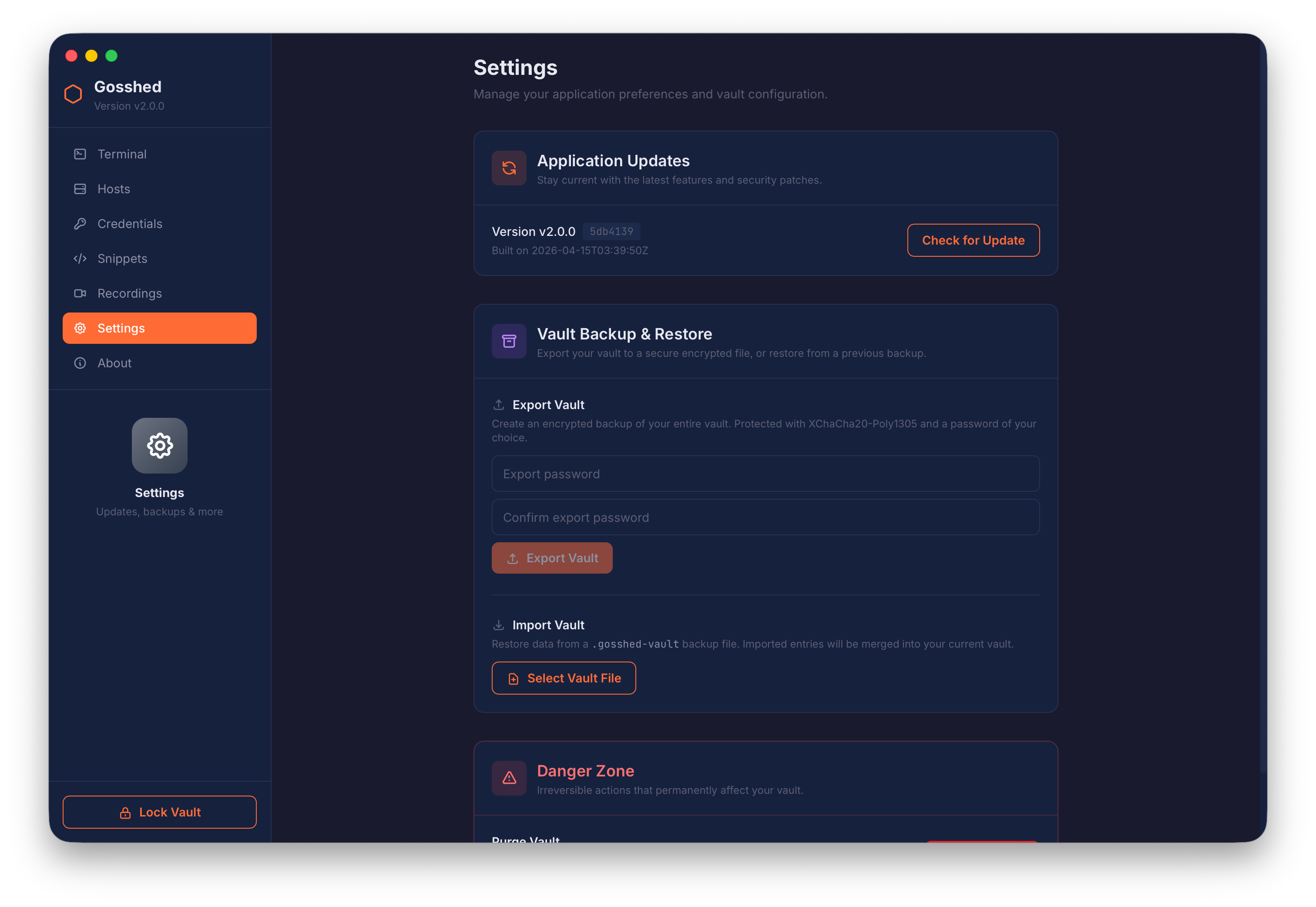
Vault Export & Import

Secure transfer of credentials between environments

Export Details
  • Encryption: XChaCha20-Poly1305 AEAD
  • Key Derivation: Argon2id (64 bytes)
  • Compression: zstd compression
  • Integrity: HMAC-SHA256 (entire file)
Additional Protections
  • Format: Custom binary (GSHV magic bytes)
  • Re-encryption: Source key → dest key (no plaintext on disk)
  • Max File Size: 256 MB validation limit

Secure Update Checker

  • Ed25519 Signatures: Update manifests signed offline
  • Public Key Check: Key embedded in binary
  • Canonical JSON: Deterministic signatures
  • No Auto-Update: Verifies and displays only
  • HTTPS Only: Secure transport for manifests

SSH Security

  • Host Key Verification: Prevents MITM attacks
  • Key Types: ED25519, RSA, ECDSA
  • Jump Host Support: Multi-hop bastion tunneling
  • Port Forwarding: Local (-L), Remote (-R), SOCKS5 (-D)
  • Keep-Alive: Connection health monitoring

Local-First Architecture

Your data, your machine. Gosshed operates entirely within boundaries you define, eliminating third-party attack surfaces.

No Cloud
No Telemetry
No Network Calls
No 3rd-Party Auth
No Auto-Update

Security Features Summary

AES-256-GCM authenticated encryption
Argon2id key derivation (OWASP recommended)
Memory locking (mlock) for sensitive data
Secure memory zeroization
Host key verification (MITM prevention)
No plaintext credential storage
Local-first architecture (no cloud)
DoD 5220.22-M secure vault purge
Atomic vault writes (corruption prevention)
Password verification without storing password
In-app SSH key generation (ED25519, RSA, ECDSA)
Session recordings stored locally only
XChaCha20-Poly1305 vault export encryption
HMAC-SHA256 export file integrity verification
Ed25519 signed update manifests
Credential re-encryption on vault import

Changes Log

v2.0.0 (Mobile: v1.0.0) Latest
April 15, 2026
  • Massive UI overhaul delivering a stunning, unified experience across both Desktop and Mobile, perfectly aligned with the new ui-kit standards.
  • Unleashed robust port forwarding and state-of-the-art session management on the brand-new Flutter mobile client.
  • Integrated a highly secure, real-time traffic monitoring subsystem directly into the backend SSH services.
  • Re-engineered the SFTP cross-panel layout for seamless file transfers alongside vastly improved Terminal Quick Keys functionality.
  • Hunted down and eradicated numerous horizontal UI clipping anomalies and flex overflow bugs, ensuring a flawlessly smooth visual layout.
v1.5.1
March 2, 2026
  • Fixed Makefile build for macOS.
v1.5.0
March 1, 2026
  • Updated the app icon with a new design.
  • [SFTP] Added multi select support for files and folders for upload and download.
  • [SFTP] Added drag and drop support for multi select file and folder upload and download.
  • [SFTP] Added a resizable separator between the local and remote panels.
  • [Main Window] Fixed an issue where the main window could scroll horizontally when too many terminal session tabs exceeded the window width.
  • [Terminal] Added a horizontal scrollbar to the terminal session tab area when tabs overflow the main window width.
  • [Terminal] Added left and right navigation buttons to the terminal session tab area to scroll through tabs when they overflow the main window width. The navigation buttons only appear when needed.
  • [Terminal] Fixed an issue where the Active Session counter incorrectly counted terminal tabs instead of actual active sessions.
  • [Terminal] Added a context menu to the terminal.
  • [Terminal] Added a context menu to terminal session tabs.
v1.0.1
February 25, 2026
  • Official public release of Gosshed, marking the transition from beta to stable.
  • Improved SSH banner handling to ensure consistent display behavior.
  • Secure encrypted vault export and import is now available.
  • Added built-in update checker to fetch the latest version from the server.
  • New Settings section added to the sidebar for better configuration management.
  • Purge Vault action has been relocated to Settings for safer access and cleaner navigation.
v0.1.1-beta
February 19, 2026
  • Improved host key pinning behavior and clearer error messages.
  • Enhanced SSH handshake stability and connection reliability.
  • Fixed issues with UTF-8 rendering in terminal output.
  • Improved the SFTP transfer panel for better usability.
  • Fixed the upload progress bar to update in real time.
  • Fixed the download progress bar to update in real time.
  • Performance improvements and minor bug fixes.
v0.1.0-beta
February 15, 2026
  • First public beta release.
  • Vault upgraded to version 2.0.0 with improved encryption and security.
  • Added strict host key checking.
  • Added host key pinning for enhanced SSH security.
  • Improved UTF-8 support for extended ASCII characters.
  • Introduced snippet library for reusable SSH commands.
v0.0.5-alpha
February 13, 2026
  • First alpha release.
  • Initial MVP features: SSH Client, SFTP, Port Forwarding, and Snippet Library.

Support This Project

Enjoying Gosshed?

Gosshed is built with passion and offered for free. If it saves you time or makes your workflow better, consider showing your support. Every contribution helps keep this project alive and growing.


Buy Me a Coffee at ko-fi.com Trakteer Saya